
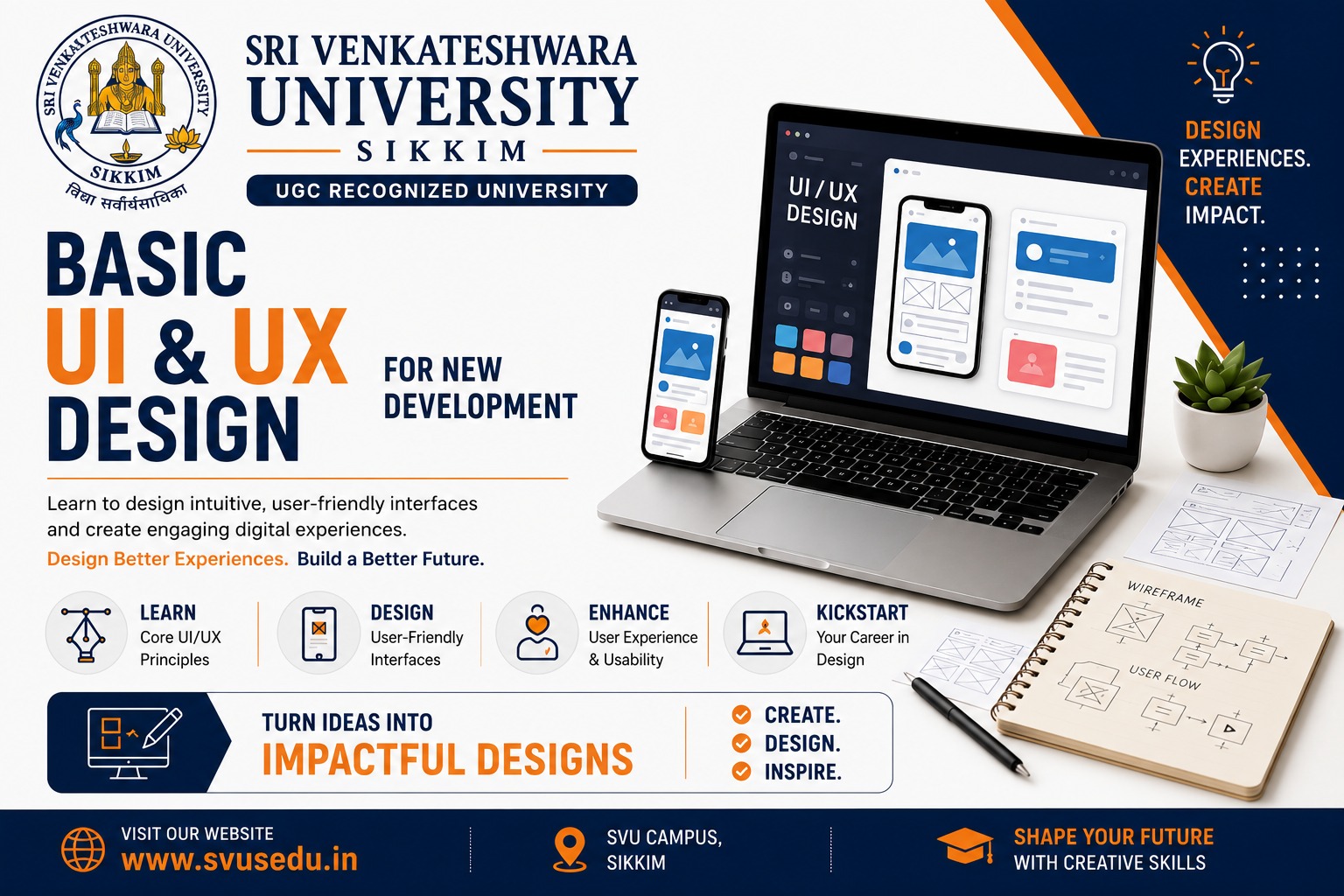
Basic UI & UX Design for New Development
In today's digital world, creating a successful website, mobile application, or software product requires more than just attractive visuals. Users expect products that are intuitive, easy to navigate, and enjoyable to use. This is where UI (User Interface) and UX (User Experience) design play a vital role.
Whether you're a student, developer, entrepreneur, or aspiring designer, understanding the basics of UI & UX design can help you build products that not only look appealing but also solve real user problems.
What is UI Design?
User Interface (UI) Design focuses on the visual aspects of a digital product. It involves designing the screens, buttons, icons, colors, typography, spacing, and interactive elements that users see and interact with.
The primary goal of UI design is to create interfaces that are visually appealing, consistent, and easy to understand.
Key Elements of UI Design
What is UX Design?
User Experience (UX) Design focuses on the overall experience users have while interacting with a product. It emphasizes usability, accessibility, and solving user problems effectively.
A well-designed user experience ensures that users can complete their tasks quickly, efficiently, and with minimal frustration.
Key Elements of UX Design
Difference Between UI and UX
|
UI Design |
UX Design |
|
Focuses on appearance |
Focuses on user experience |
|
Visual design |
Problem-solving |
|
Colors, typography, layouts |
User behavior and usability |
|
Creates attractive interfaces |
Creates meaningful experiences |
|
Interface design |
User-centered design |
Both UI and UX work together to create successful digital products.
Why UI & UX Design Matters
Good UI & UX design offers numerous benefits:
UI & UX Design Process
1. Research
Understand users, competitors, and business goals.
2. Define
Identify user needs, challenges, and project objectives.
3. Ideate
Brainstorm creative solutions and organize ideas.
4. Wireframing
Create simple layouts showing the structure of pages and screens.
5. Prototyping
Build interactive prototypes to demonstrate functionality before development.
6. UI Design
Design attractive, consistent, and user-friendly interfaces.
7. Testing
Conduct usability testing to gather feedback and improve the design.
8. Development Handoff
Share design specifications and assets with developers for implementation.
Essential UI & UX Design Principles
Simplicity
Keep designs clean, organized, and easy to understand.
Consistency
Use consistent colors, fonts, buttons, and navigation throughout the product.
Accessibility
Design products that are usable by people with different abilities.
Responsive Design
Ensure the interface works well across desktops, tablets, and smartphones.
User-Centered Design
Always design with the end user's needs and expectations in mind.
Feedback
Provide clear feedback for user actions, such as confirmations, loading indicators, and error messages.
Popular UI & UX Design Tools
Skills Required for UI & UX Design
To become a successful UI/UX designer, you should develop:
Career Opportunities
UI & UX design is one of the fastest-growing fields in the technology industry.
Popular job roles include:
Industries Hiring UI & UX Professionals
UI & UX professionals are in demand across many industries, including:
Why Learn UI & UX Design?
Learning UI & UX design helps you:
Future Scope of UI & UX Design
With the rapid growth of digital transformation, businesses are investing heavily in user-centered design. Emerging technologies such as Artificial Intelligence (AI), Augmented Reality (AR), Virtual Reality (VR), Voice Interfaces, and the Internet of Things (IoT) are creating new opportunities for skilled UI & UX professionals.
The demand for designers who can combine creativity with usability is expected to continue growing across industries.
Conclusion
UI & UX design is much more than making a website or app look attractive. It is about understanding users, solving real problems, and delivering meaningful digital experiences. By learning the fundamentals of UI & UX design, beginners can build a strong foundation for a rewarding career in design, technology, and product development.
Whether you're planning to become a designer, developer, entrepreneur, or product manager, investing in UI & UX skills will help you create products that users love and businesses value.
Frequently Asked Questions (FAQs)
What is the difference between UI and UX design?
UI focuses on the visual appearance of a product, while UX focuses on the overall user experience and usability.
Is UI & UX design a good career?
Yes. UI & UX design is a rapidly growing career with opportunities in technology, healthcare, finance, education, e-commerce, and many other industries.
Do I need coding knowledge to learn UI & UX?
No. Coding is not mandatory to start learning UI & UX design, though basic HTML and CSS knowledge can be helpful.
Which software is best for beginners?
Figma is widely recommended for beginners because it is easy to learn, cloud-based, and supports collaborative design.
Can students from any background learn UI & UX design?
Yes. Anyone with an interest in design, creativity, and problem-solving can learn UI & UX design, regardless of their academic background.